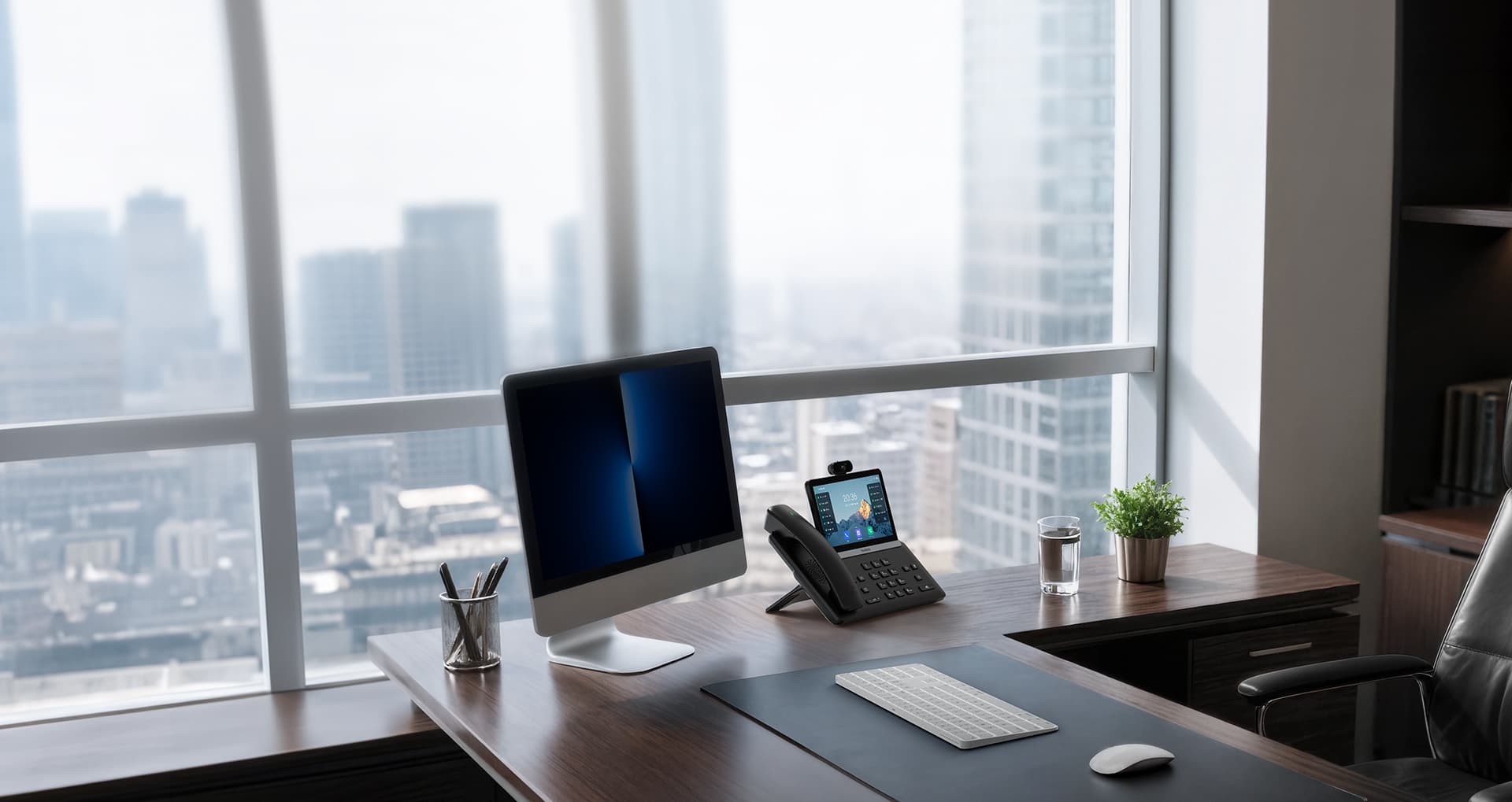
At your desk
High-end Yealink IP phones with HD voice, set up with your extension before they arrive. Cisco and Polycom phones also work.
IP telephony on Bicom PBXware: your extension on your desk phone, your cell phone and your computer, plus business texting, SIP trunks and an AI receptionist when you want one.

Example call
Your calls ring on the desk phone, the cell phone and the computer at the same time. Answer wherever you are, with the same number and caller ID.
High-end Yealink IP phones with HD voice, set up with your extension before they arrive. Cisco and Polycom phones also work.
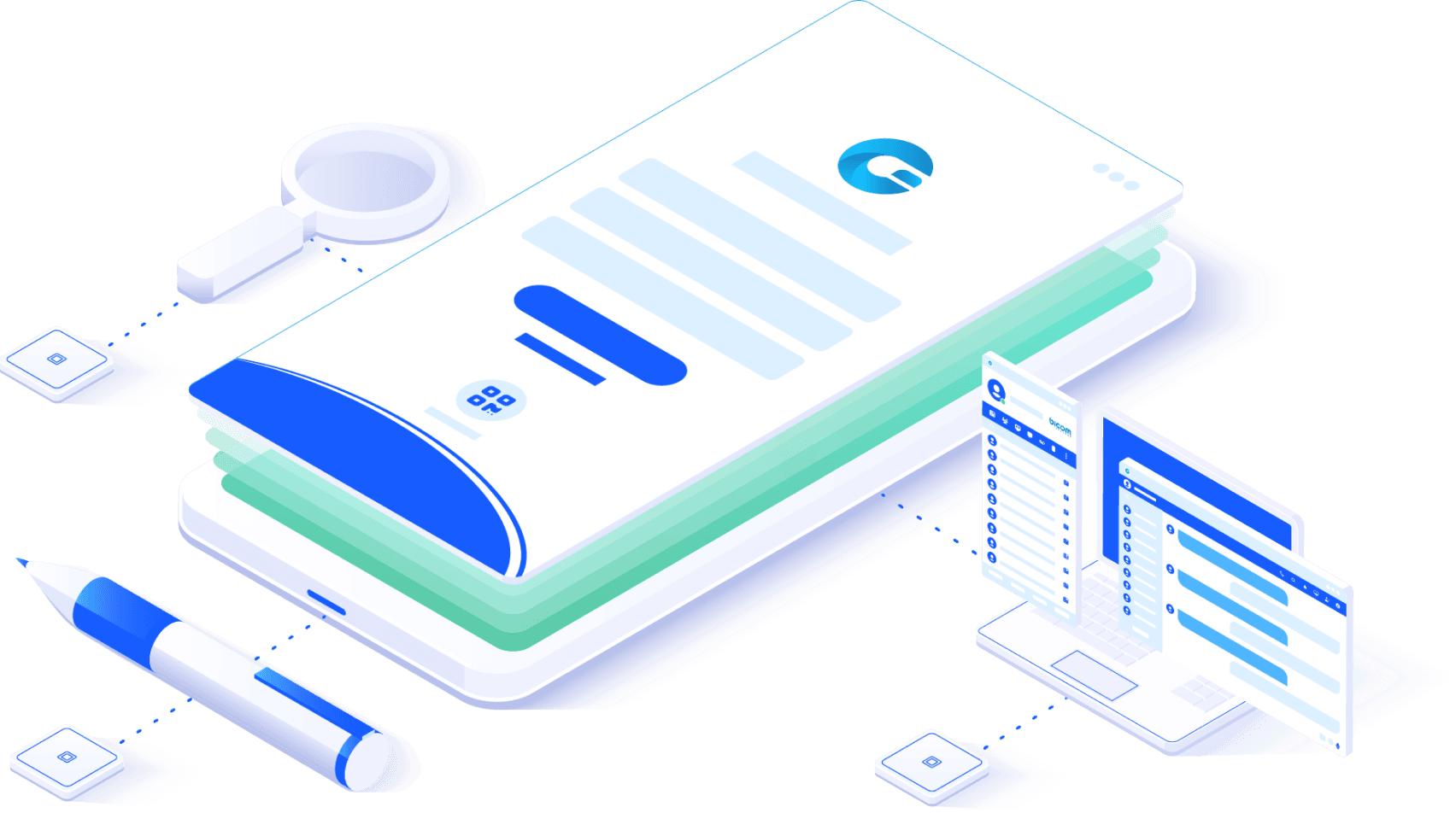
The gloCOM GO app for iPhone and Android rings with your extension and calls out with your business caller ID.
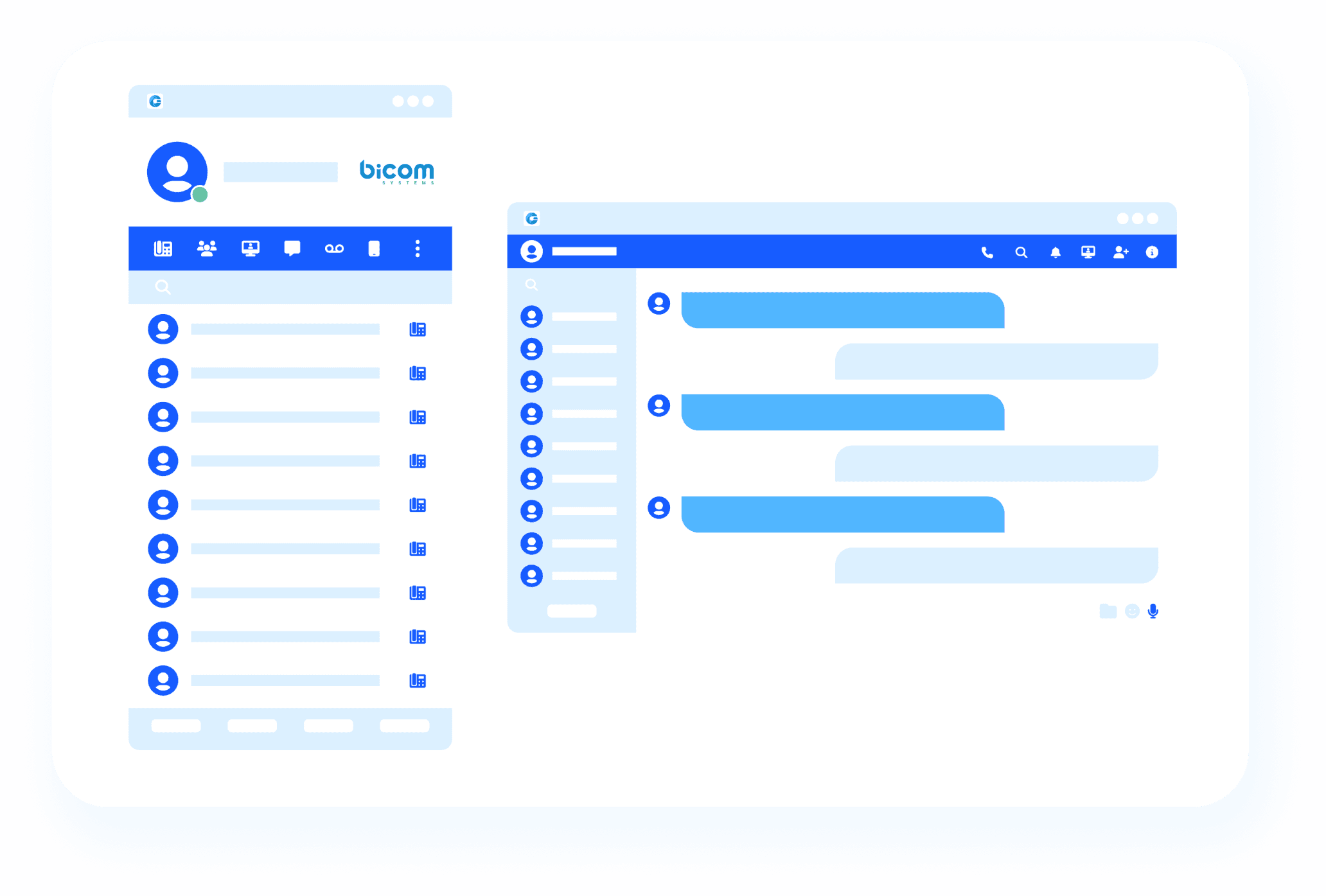
gloCOM for Windows, Mac and Linux, or in a web browser: calls, chat, texts and video meetings in one app.
Leaving the office mid-call? Move the call from your desk phone to your cell without hanging up.
Send and receive SMS and MMS from your office number in gloCOM, on the computer or the cell phone. Customers text the number they already know, and personal numbers stay private.
Example conversation
The same platform grows with you: start with a few extensions and add queues, agents and supervisors when you need them.

A main number with a menu, voicemail to email, texting with patients and the AI receptionist after hours.
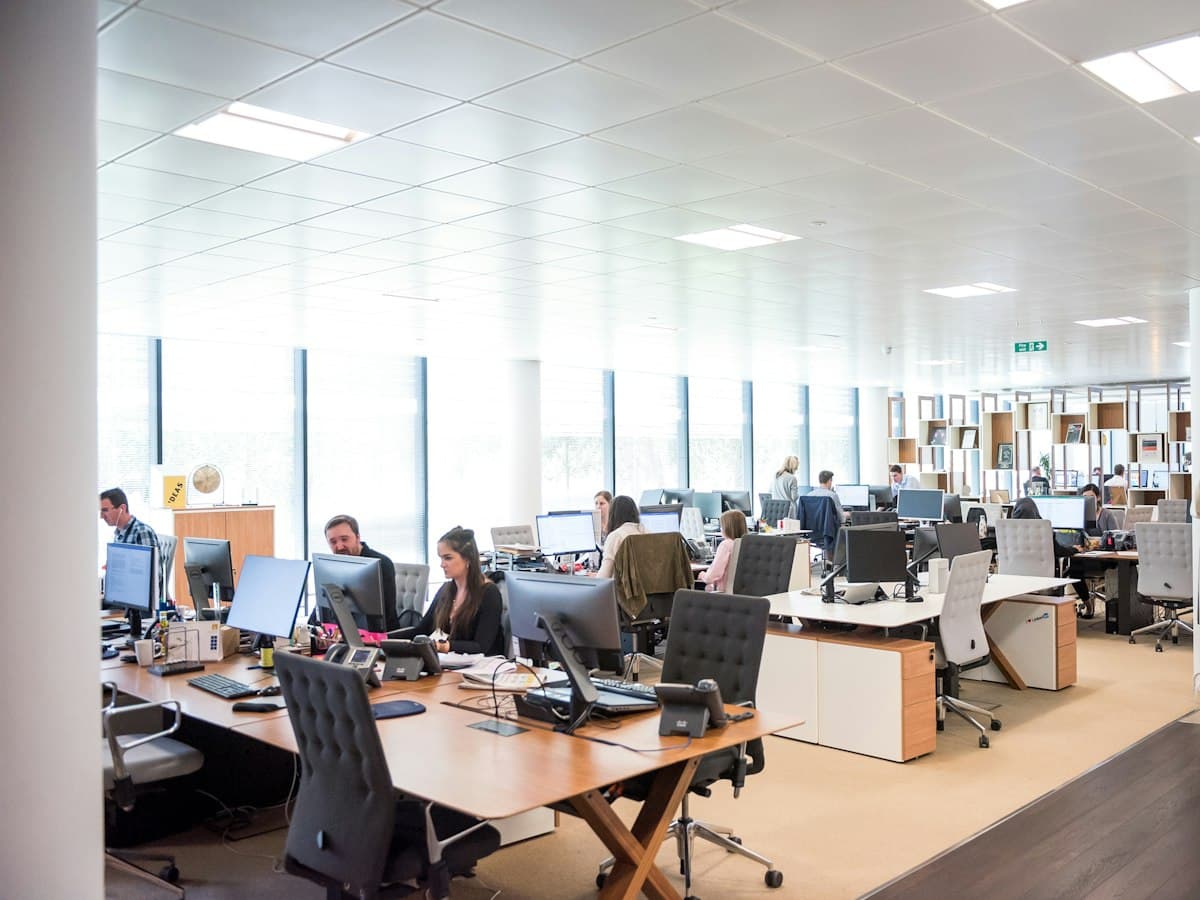
Extensions in every location, transfers between offices and one company directory.

Call queues with agent and supervisor tools, live monitoring and reports.
Compliance is part of the setup, not an extra you have to ask for.
We sign a Business Associate Agreement with medical and dental practices. It covers calls, voicemail, texting and the AI receptionist.
How we handle health information911 dials directly and sends a registered address for every line, as Kari's Law and RAY BAUM'S Act require.
Your outgoing calls carry signed caller ID, which helps keep your number from being labeled as spam.
We register your business texting with US carriers, which they require to deliver texts from business numbers.
Recorded calls start with an announcement, as California's all-party consent law requires.
A complete cloud phone system, SIP trunks for the PBX you own, or both with an AI receptionist.
We host your phone system on Bicom PBXware: extensions, ring groups, call queues and menus, managed for you.
Get a quoteKeep the PBX you already have and connect it to the phone network over SIP trunks, with local and toll-free numbers.
Ask about SIP trunksAdd a 24/7 AI receptionist to either option. It answers, books appointments and sends urgent calls to a person.
See the AI receptionistOne provider for the numbers, the phones, the apps and the support.
Clear business calls over the internet, with transfers, call park and conference calls.
New 619 and 858 numbers or toll-free numbers. Already have numbers? We handle the porting.
A menu that greets callers and routes them by department, time of day or holiday.
Voicemail messages arrive in your inbox, so nothing waits on a blinking light.
Route calls by language (English or Spanish), time of day or VIP client, before anyone picks up.
Audio and video meetings with screen sharing, and chat between extensions in gloCOM.
We do the setup and the porting. Your team keeps working while we do it.
How many people, numbers and locations, and what your current provider does today.
You keep your numbers. We handle the porting paperwork with your current carrier.
Yealink phones come pre-configured and the gloCOM apps are set up for each user.
Cloud phone systems can be live in 24 to 48 hours once your numbers are ready.
Yes. We port your existing local and toll-free numbers, or forward calls from your current carrier while the port completes.
Yes. The gloCOM apps ring with your extension on iPhone, Android, Windows, Mac and Linux, and you can move a call from your desk phone to your cell without hanging up.
Yes. SMS and MMS work from your business number in gloCOM, on the computer and on the cell phone. We register your texting under A2P 10DLC, as US carriers require.
We sign a Business Associate Agreement (BAA) with medical and dental practices. It covers calls, voicemail, texting and the AI receptionist.
Yes. Each line has a registered address that is sent with 911 calls. If a phone moves to a new address, tell us first so we can update it.
Yes. Call queues, agent and supervisor tools, live monitoring and reports run on the same platform as a small office, so you can grow without switching systems.
Yes. We can connect your existing PBX to the phone network with SIP trunks, and add the AI receptionist if you want it.
Cloud phone systems can be live in 24 to 48 hours. Number porting depends on your current carrier.
Tell us how many people and numbers you have. We'll recommend the setup, and you can try the AI receptionist free for 5 days.